Your Desktop, Automated.
Record your keyboard, mouse, and screen in one click. Then turn it into a macro that watches your screen and knows what to do next.
Download Macroni
Beta for macOS, Windows, and Linux

Record your keyboard, mouse, and screen in one click. Then turn it into a macro that watches your screen and knows what to do next.
Beta for macOS, Windows, and Linux
Record it, edit it, teach it what to watch for, and share it.
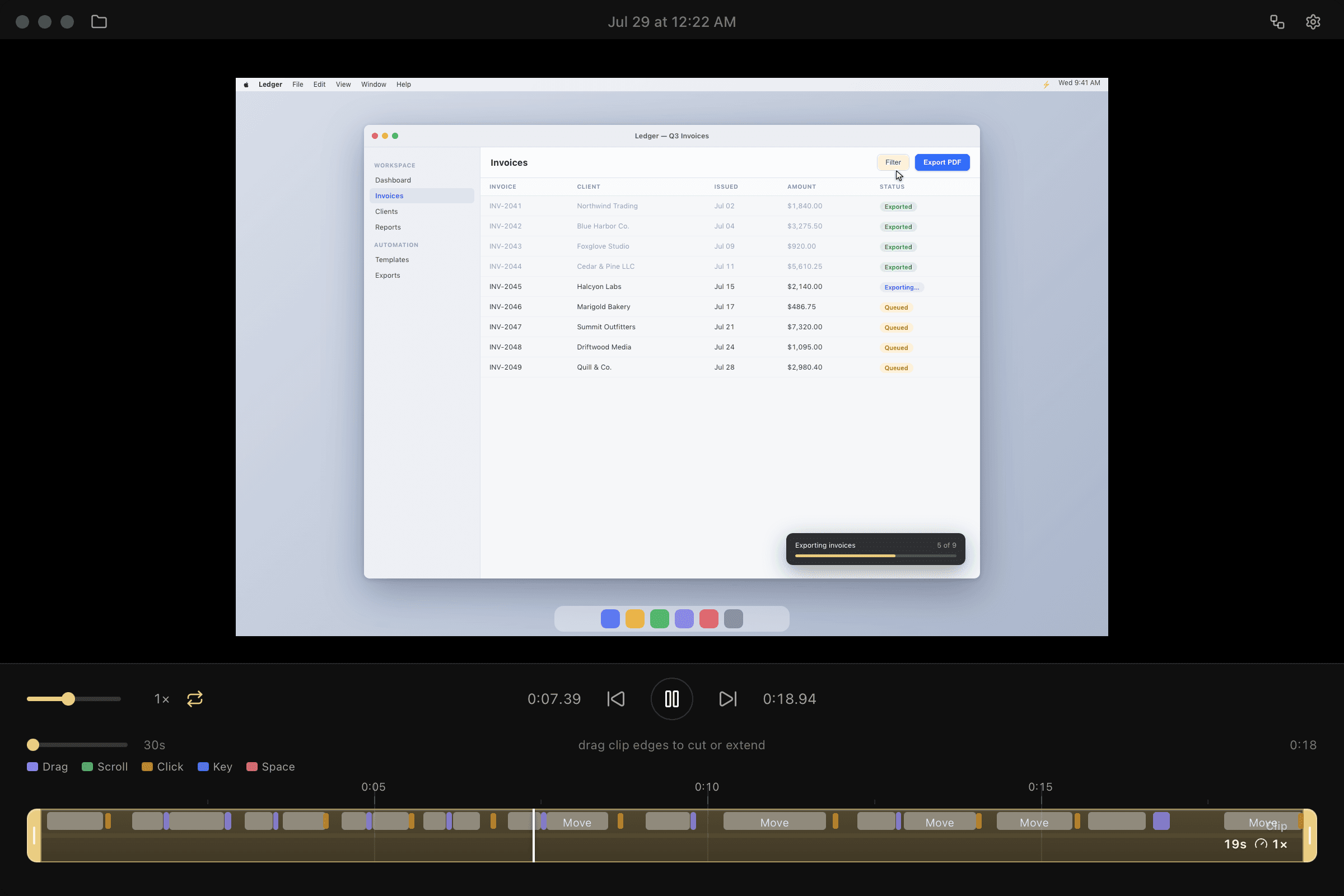
One click records your keyboard, mouse, and screen. In Studio, trim, loop, or speed it up, and search any text that appeared on screen. Then replay it exactly as you performed it.
Pick text, an image, or a color straight from a recording. When it shows up, Macroni replays the inputs you chose, then moves on to the next step. Connect steps into branches and loops on a visual canvas.
Publish a snapshot to macroni.app. Anyone with the link can preview every step and add an editable copy to their own Macroni. Revoke the link at any time.
Need clicks without a recording? Choose the mouse button and how many clicks per second, minute, or hour, right from the toolbar.
Recording, playback, and OCR run entirely on your device, and your recordings stay on your own disk. Sharing is opt-in, and shared links never include your videos.